Pick one thing.
Use a task, or just the timer. You do not need to organise your life before starting.
 tomato by fair.ninja
Open Tomato
tomato by fair.ninja
Open Tomato
Beta · Try the local Tomato prototype. Hosted sync and chip top-ups run live, in Stripe test mode. Other Fair Ninja apps are still planned.
TOMATO / THE FIRST FAIR NINJA APP
One thing to do. A little space to do it.
Use it locally. Sync when you want. Pay tiny amounts for the hosted service you actually use.
Local prototype · No account or card.
Hosted sync is planned, not connected.
Your next small beginning.
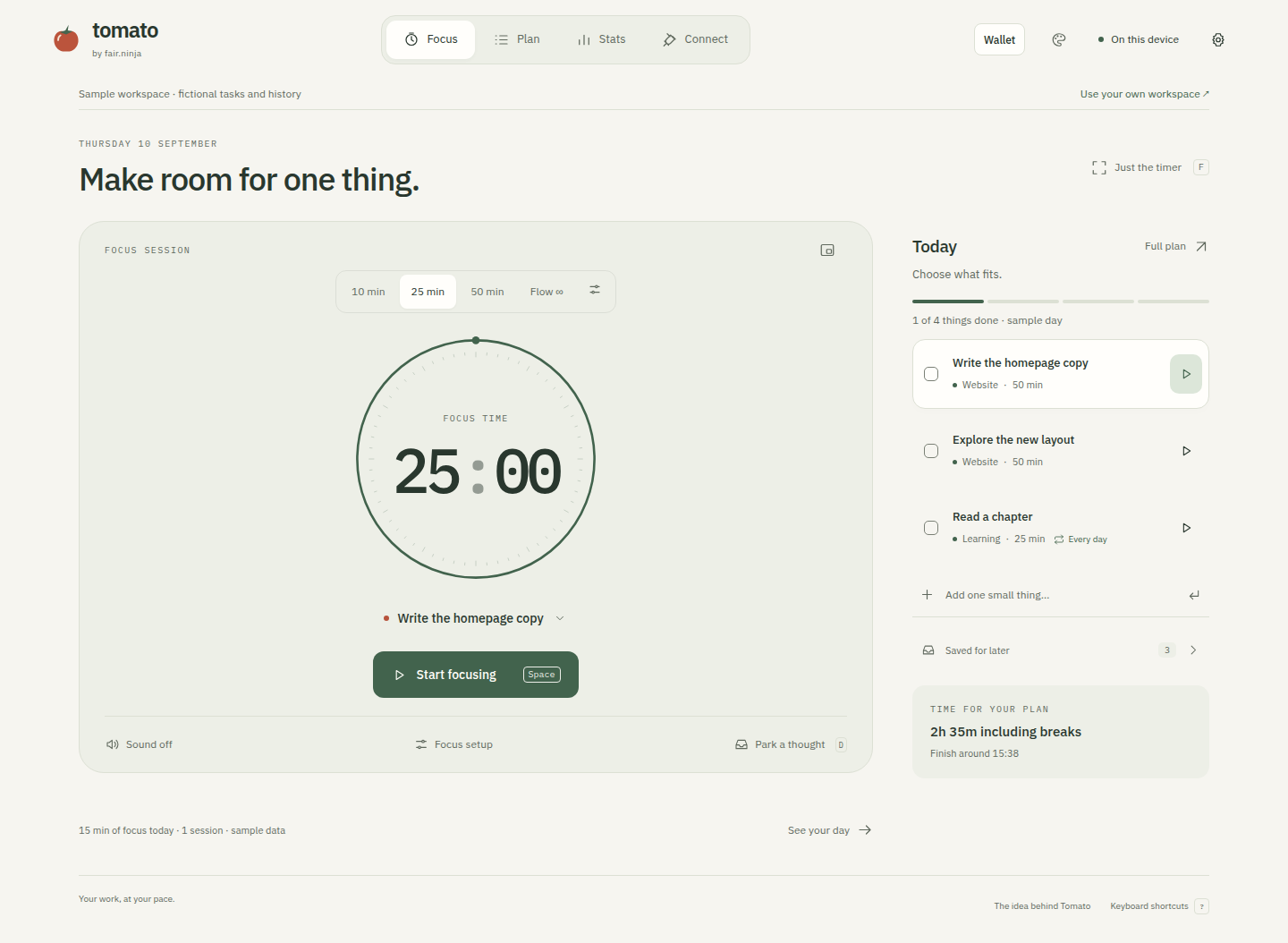
Illustration of a ready timer. Open the app to begin.
Tomato is, fundamentally, a timer.
We should make it an excellent timer.
LESS MANAGING. MORE DOING.
A successful session can end with you closing the app. Your attention belongs to you.
Use a task, or just the timer. You do not need to organise your life before starting.
Start a focus session. Park a distracting thought for later and return to what you chose.
Review your time when it helps. No guilt for a quiet day. No email asking where you went.
LOCAL IS YOURS
The local prototype runs its timer, tasks and history in your browser. No account required.
THE ECONOMICS / BETA
Local is yours. Sync is our service.
Core functionality should work on your device.
Prepay when you want. One wallet works across Fair Ninja apps.
Cloud functionality consumes tiny amounts based on usage.
Understand where your chips went.
1 USD = 100 chips, in packs of 500 / 1,000 / 2,500 — see the full Service Details. No default auto-top-up. Checkout runs through Stripe, in test mode during the beta.
A FAIR NINJA PRODUCT
Fair does not mean free. It means sustainable for the people building the software and obviously worth it for you.
Read the manifesto“Local is yours.
Sync is our service.”
We want to get paid for the service you choose. Not because you forgot to cancel. Optional hosted sync and a shared prepaid wallet are the plan.

No fake urgency.
No emotional blackmail.BRAVE BEAVER APPROVES THE INTENTION.
ROOM TO GROW / PLANNED
Task adapters, calendars, API access, MCP and webhooks are being explored. These are connection designs; they do not connect accounts or send data.
For now, Tomato can simply be your timer.
BEFORE YOU SETTLE IN
No. Open the local prototype and start a session. The sample workspace is separate from your own workspace and contains fictional tasks and history.
The prototype stores your work in this browser. Clearing browser storage can remove it. Use the data panel to export a JSON backup or your sessions as CSV. Hosted sync is not connected.
Once the prototype is loaded and cached, its timer, local tasks and local history can work without the server. Your first visit needs a connection. Browser storage is not a backup.
A browser may suspend a background page. The timer recovers elapsed time when you return, but a precise alarm on a locked screen is not guaranteed. Use an open desktop browser for this prototype.
The Connect screens explore adapters, API access, MCP and webhooks. They are design previews, not live connections. Tomato can also be used as a timer with no tasks at all.
Hosted sync is paid from your prepaid chip balance — 1 USD = 100 chips, in packs of 500 / 1,000 or 2,500. No default auto-top-up. Local focus sessions never require payment.
NO BIG LIFE PROMISE. JUST A SMALL BEGINNING.
Open the timer. Choose what deserves your attention.